|
|
 |

Quick Links
Video Tutorials
Industry solutions

|
 |
 |
|
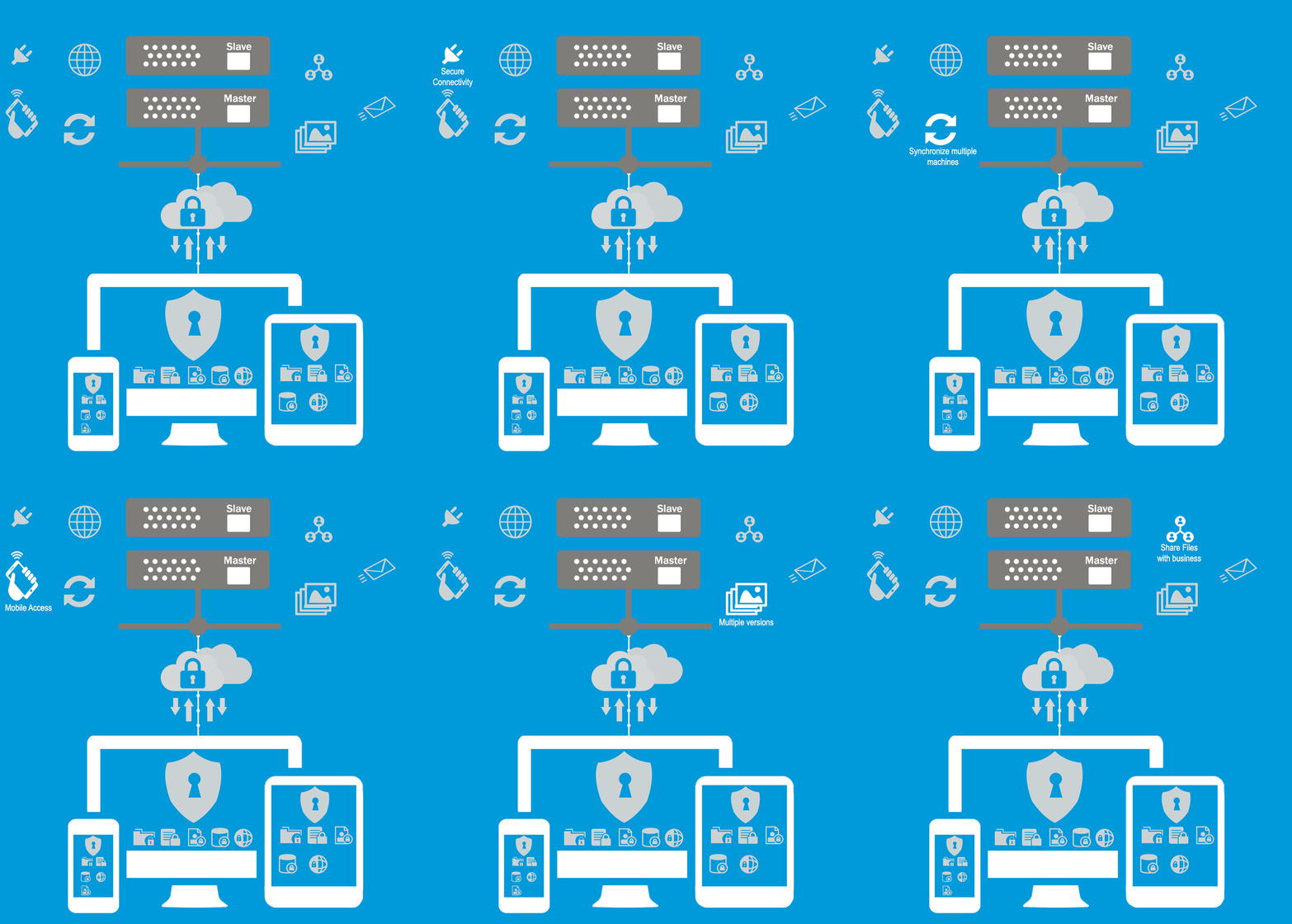
Syncrify is a private cloud backup software allowing multiple machines to backup folders/files to a central repository within your enterprise.
Key Features
- Private cloud backup - Power your private cloud using Syncrify. If you are an enterprise looking for a comprehensive, cost effective data protection platform, consider Syncrify to create a private cloud. Click here for more information.
- Access files anywhere, anytime on any device - Easily access your backed up files from any machine or a smart phone.
- 100% secure - Your files stay in your network and within your control. They are never transferred to any third-party machines.
- Incremental backups - Syncrify intelligently figures out the part of file that has been changed making backup jobs run faster with less load on your network.
- Folder synchronization - Synchronize one for more folders across multiple machines. When a file is modified on one machine, it is automatically copied to other machines.
- Multi-platform - Syncrify can be installed on any operating system including MS Windows, Linux, Mac OSX and UNIX
- Backup over the Internet - Backup files from any computer across the Internet
- Free - Syncrify is absolutely free for personal use
How it works
- You install Syncrify Server on any machine of your choice with plenty of hard-drive space. This machine can be located anywhere on the Internet.
- Using your web-browser you, the administrator, create multiple user accounts.
- You then install Syncrify Client on a machine that you want to backup. Run this client, decide the files you want to backup and schedule as task to run it.
- Individual users can connect to the Syncrify Server using their web browser to view backed files as well as download/restore any file when they need it.
|
|