Synametrics Technologies
Revolving around the core of technology
SyncriTab Features
Explore the key features of SyncriTab, the web-based database query tool from Synametrics Technologies.
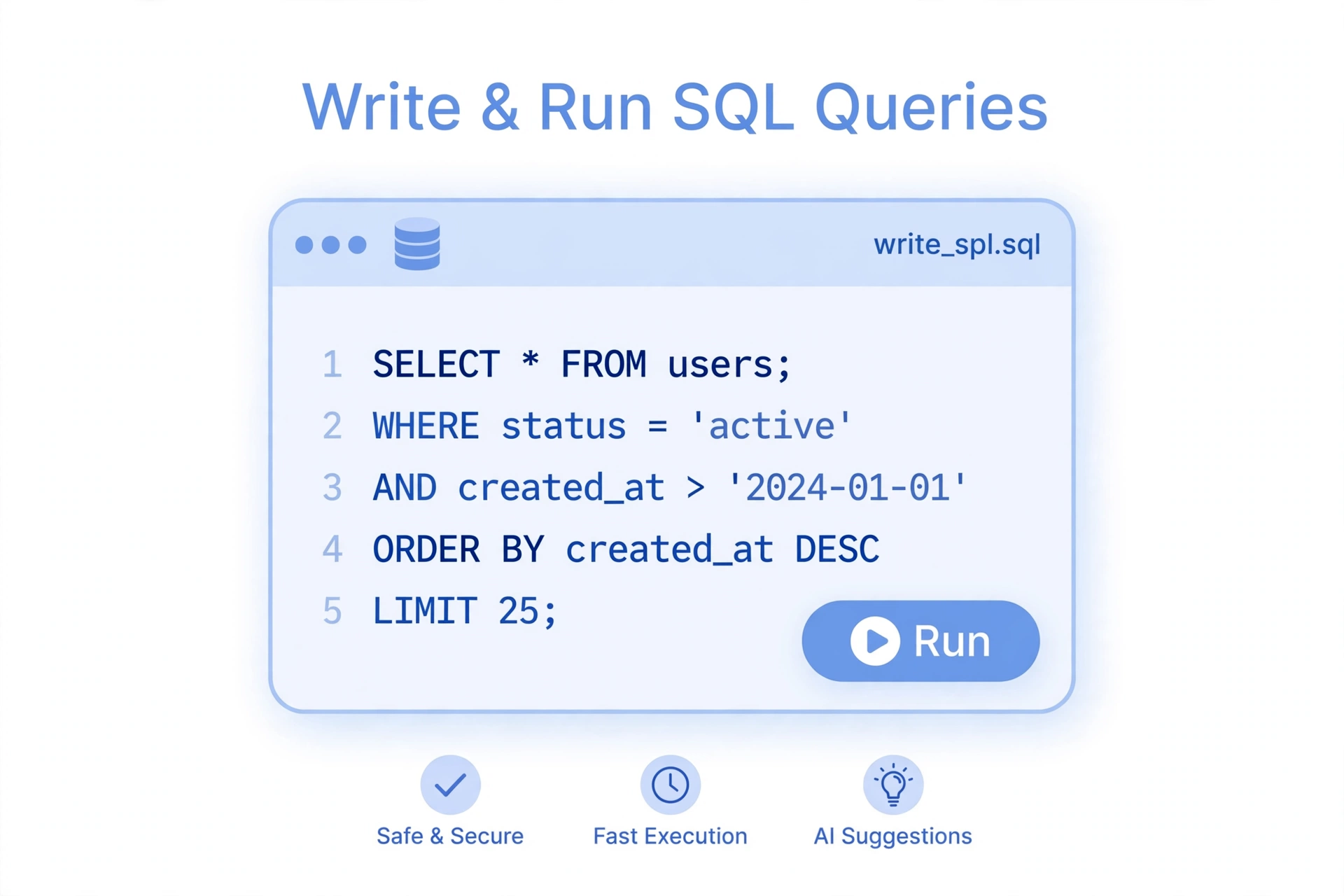
Write and Run SQL
- A SQL editor with syntax highlighting and IntelliSense suggestions for tables and columns.
- Multiple query pages per connection, each with its own script and results.
- Results grids that handle large result sets and queries that return several result sets.
- Saved scripts, and workbooks that save all your query pages together.
- Query history, so you can find and re-run earlier queries.
- Saved sessions that restore your query pages and results when you return.
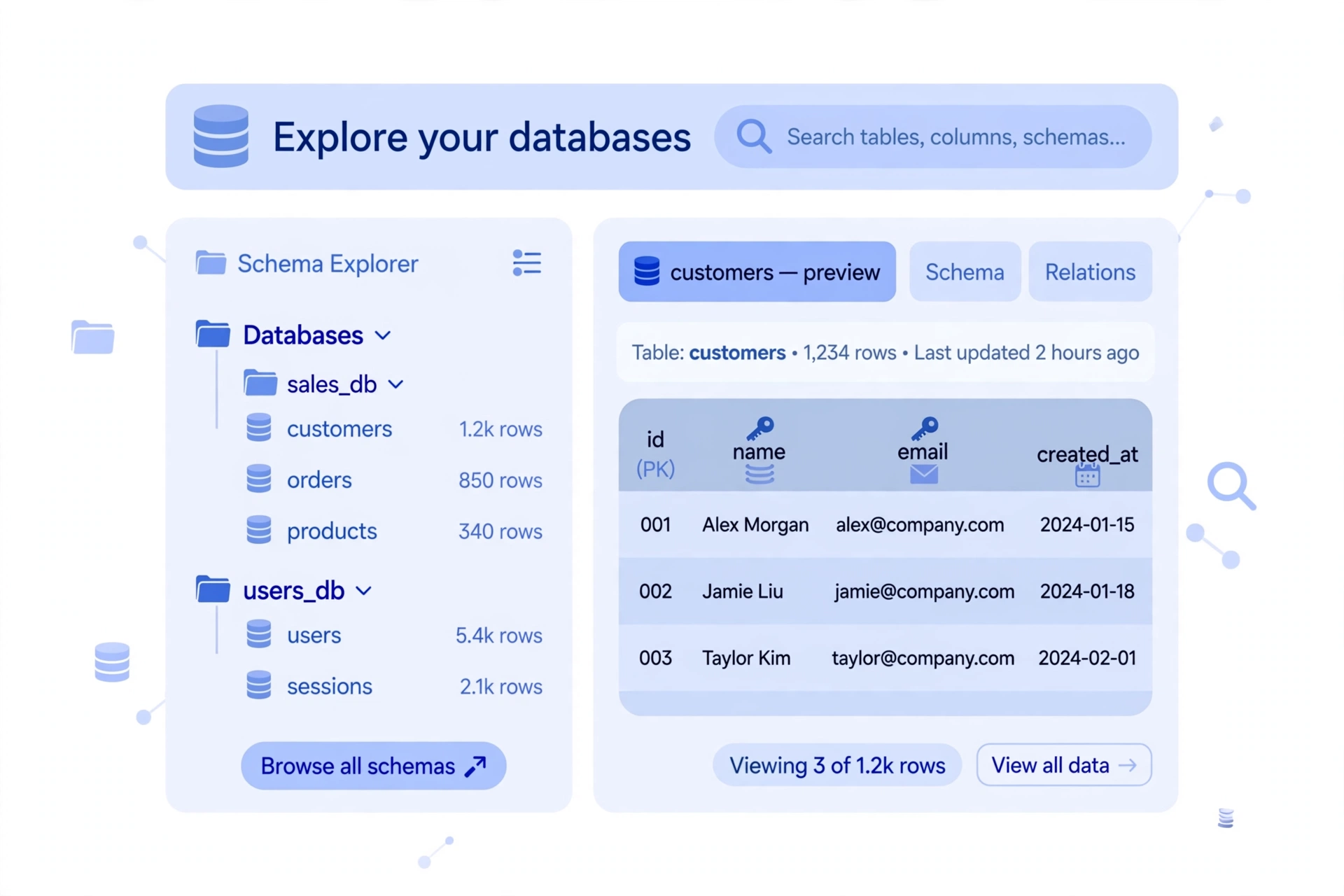
Explore Your Databases
- A catalog browser for tables, views, stored procedures, and other objects.
- Details for each object, including its data, columns, source code, and comments.
- Entity-relationship (ER) diagrams that show how tables are related.
- Database Search, which finds tables, views, columns, procedures, and triggers whose names or definitions contain a search term.
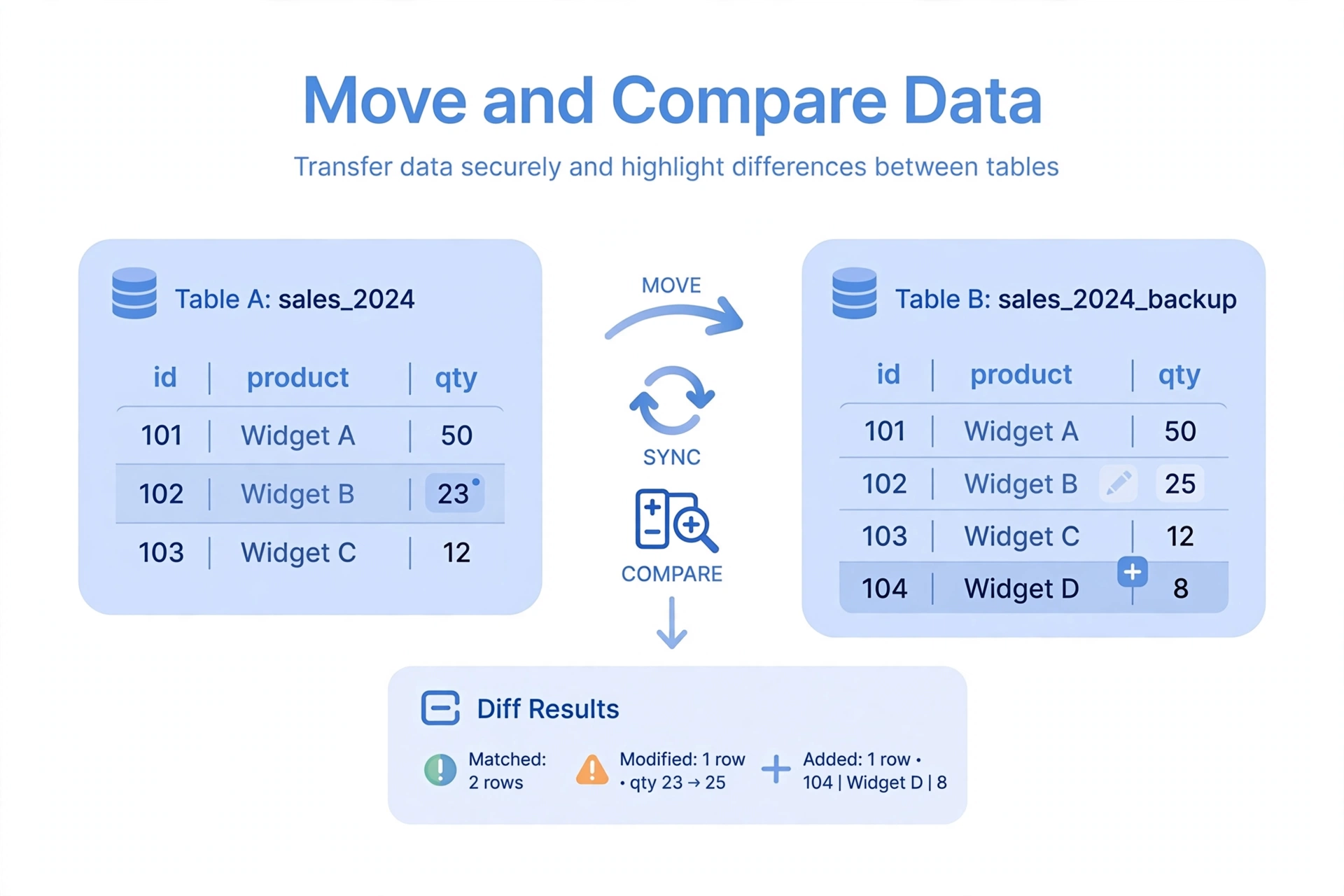
Move and Compare Data
- Export query results to CSV, Microsoft Excel, or HTML files, to INSERT statements, or directly to a table in another database.
- Import data from text files.
- Schema Diff, which compares the structure of two databases.
- Reverse Engineering, which generates DDL scripts from an existing database.
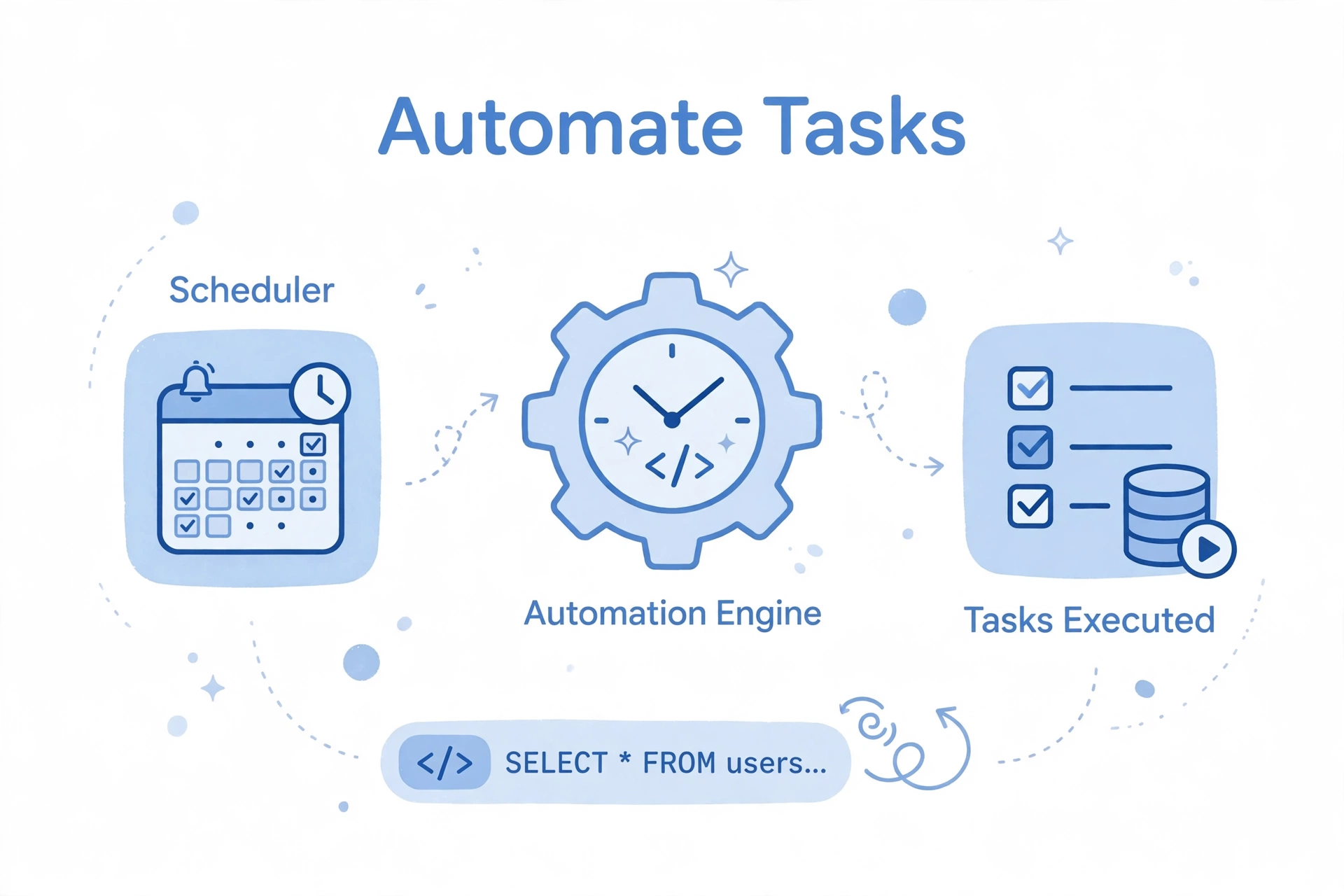
Automate
- A task scheduler that runs SQL scripts and data exports automatically, on a schedule you choose.
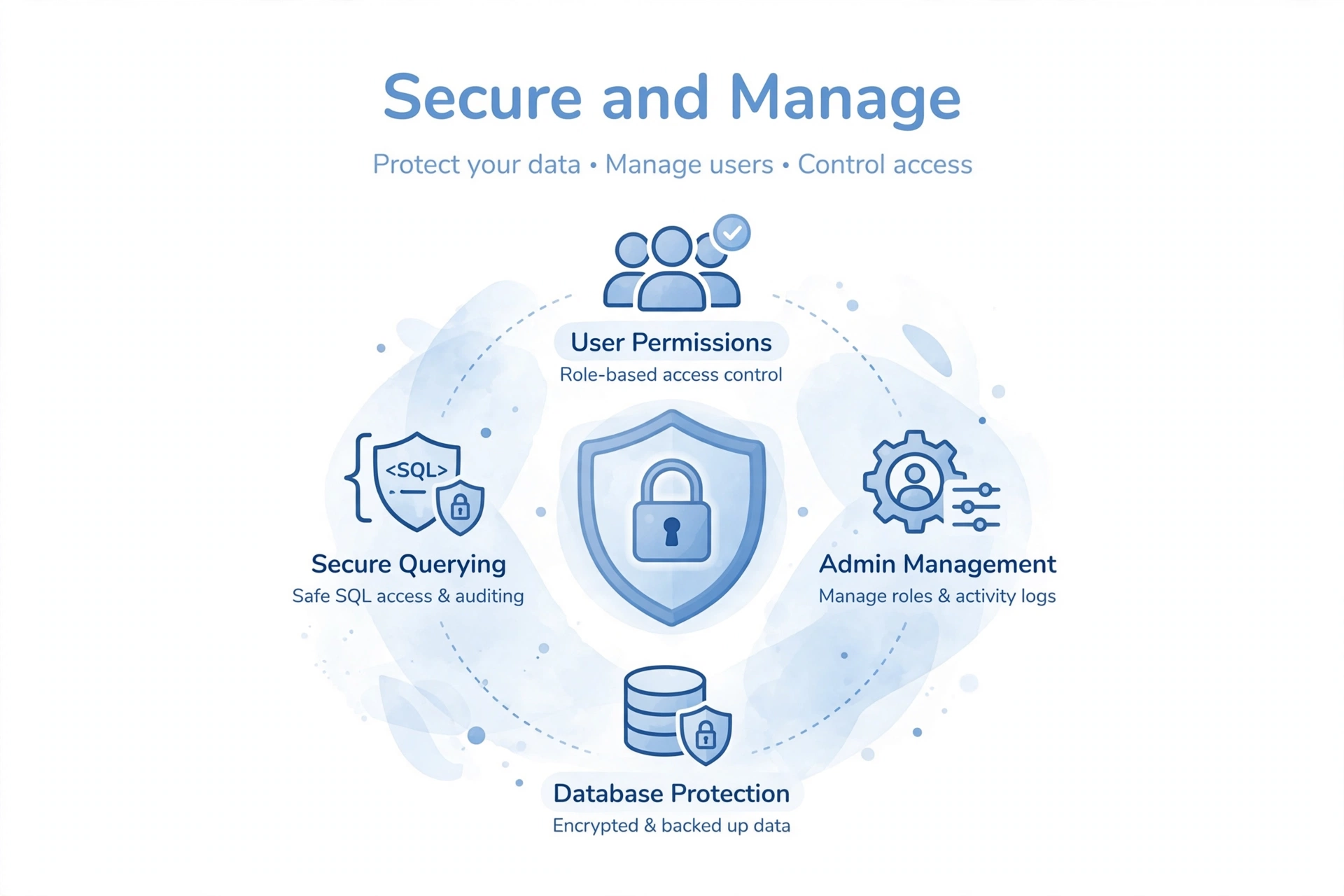
Secure and Manage
- Separate roles for administrators, managers, and developers.
- Access to each data source granted user by user.
- Two-factor authentication, which administrators can make mandatory.
- HTTPS, with your own certificate or a free certificate from Let's Encrypt.
- Automatic blocking of IP addresses after repeated failed sign-in attempts.
- Idle sessions that sign out automatically and close their database connections.
- Optional encryption of sensitive files saved on the server.
- Reports on sign-ins, query activity, and scheduled tasks.
